Feature guide
Palette Generator
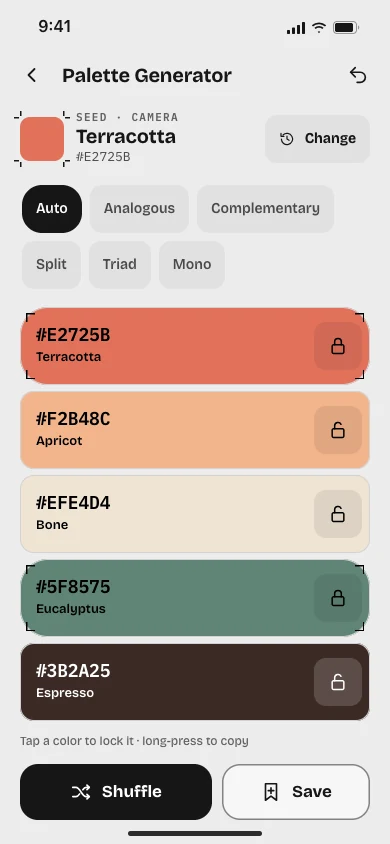
Start from a color you captured — the terracotta of a vase, the green of a jacket — and ColorSnapr builds a palette around it. Lock the colors you like and shuffle the rest until it feels right.
Free Free in ColorSnapr Updated:
Key facts
- Free: start from any color in your log or the camera.
- Modes: Auto, Analogous, Complementary, Split, Triad and Mono.
- Lock any color, shuffle the others, and undo a step at any time.
- Curated gallery of 120 palettes in 10 themes to save or remix.
- Pro adds unlimited saved palettes, extraction from photos and the harmony wheel.
How it works
- 1 Open a saved color and choose Generate palette.
- 2 Pick a mode, lock the colors you want to keep, and tap Shuffle.
- 3 Save the palette, then check it in the Palette Lab or export it.
Questions
How many palettes can I save for free?
Free accounts can keep a limited number of palettes; ColorSnapr Pro makes it unlimited.
Can I start from a photo instead of one color?
Yes. With Pro you can extract a palette from a photo, or pin up to 8 colors from one frame for free with multi-pick.
Try it on your phone — ColorSnapr is free to download.