Feature guide
Personal Color Guide
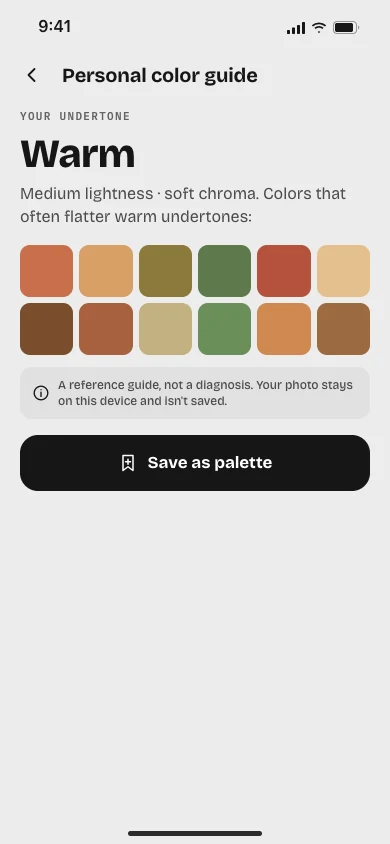
Take a selfie in daylight and tap three spots on your skin. ColorSnapr estimates your undertone and suggests a reference palette of colors that often flatter it — a starting point for styling, not a rule.
Pro Included in ColorSnapr Pro Updated:
Key facts
- You choose the skin spots yourself; there's no face detection or recognition.
- The photo is analyzed on your device and isn't saved or sent.
- Results describe lightness, chroma and a warm, cool or neutral undertone.
- Save the suggested colors as a palette.
- It is a reference guide only; light and makeup affect the result.
How it works
- 1 Open Tools and choose Personal color guide.
- 2 Take or pick a selfie in even daylight and tap three skin spots.
- 3 Review the reference palette and save it if you like it.
Questions
Is my selfie stored?
No. It's analyzed in memory on your device and discarded.
Is it part of Pro?
Yes, the personal color guide is included in ColorSnapr Pro.
Try it on your phone — ColorSnapr is free to download.